
This guide is for overseas readers outside of Korea, who want to buy manhwa or novels on Bomtoon, a Korean website where you can officially purchase raws.
Create an account or log in to Bomtoon
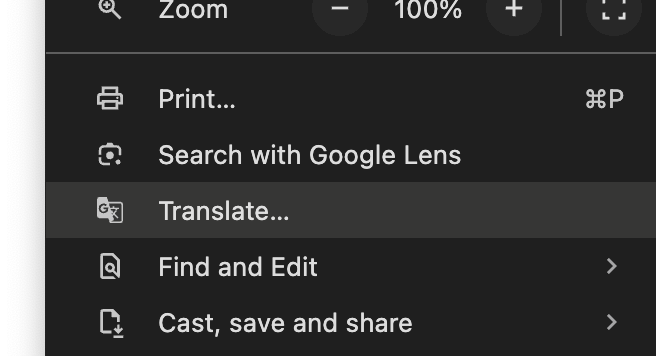
We recommend turning on the in-browser translator to navigate the website. On Chrome desktop, you can access the translator via the 3-dot menu and selecting "Translate...".
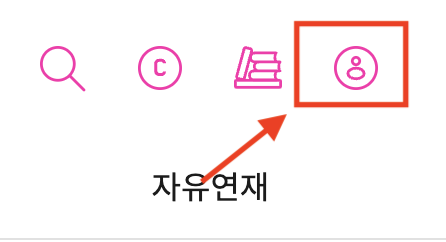
Go to Bomtoon and click on the user profile icon.
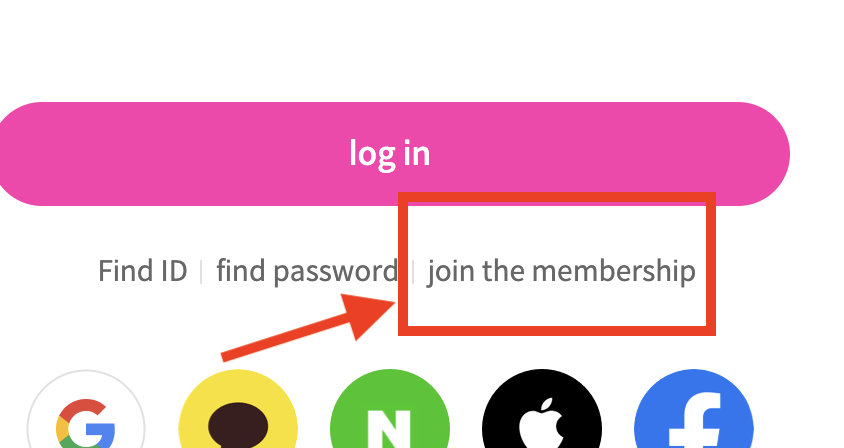
You can create an account using a social login (Google, Facebook) or with your email by clicking "Join the membership".
Buying Bomtoon Credits
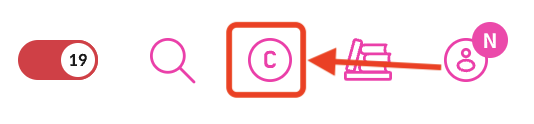
Click on the Coin icon in the navigation bar.
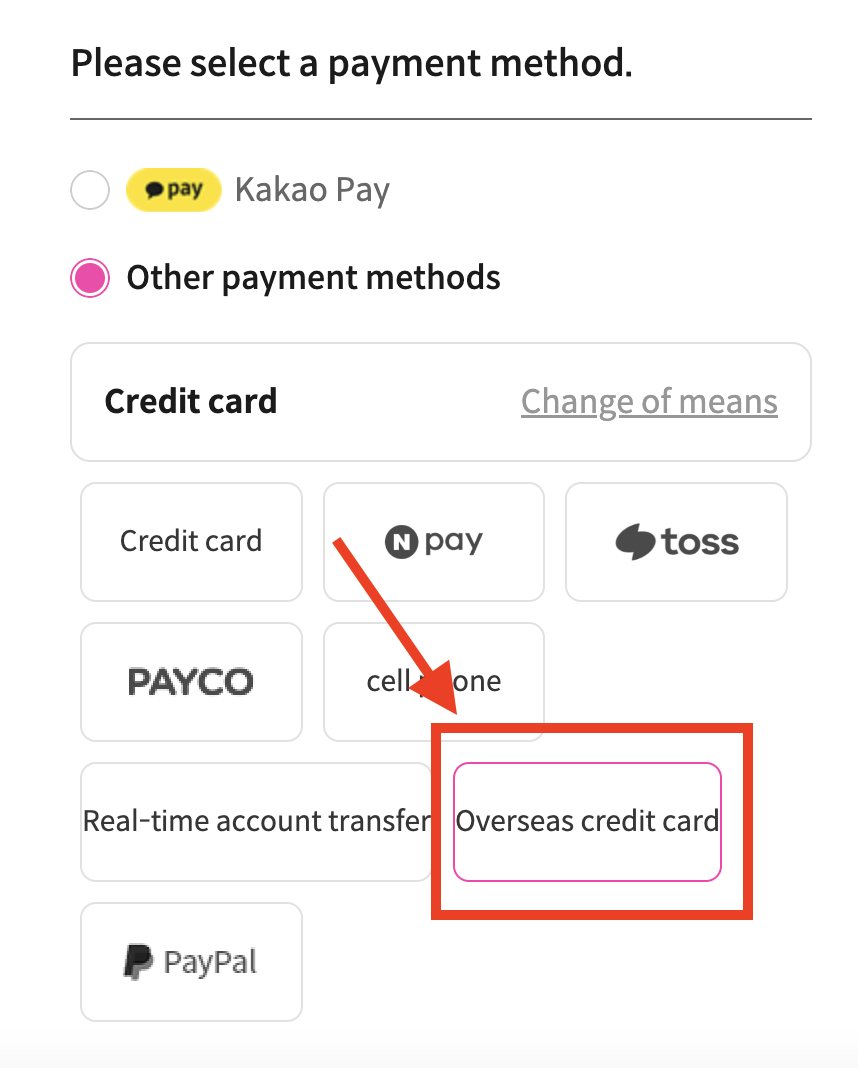
Select the amount of credits you want, then choose "Overseas credit card" or PayPal as your payment method.
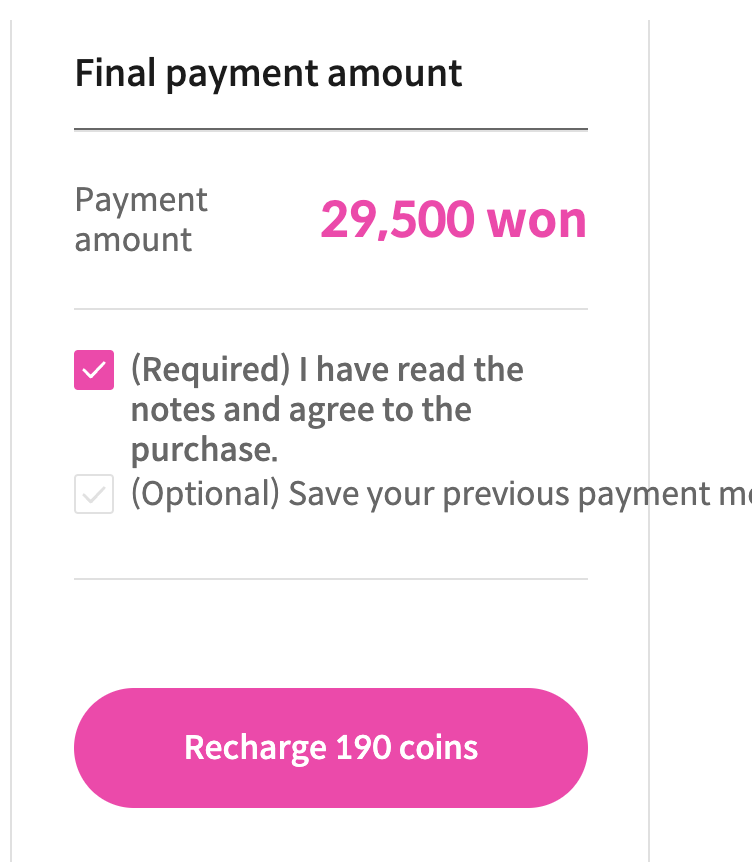
Agree to the terms and click Recharge.
A payment window will appear. Select "ENGLISH" within the popup window.
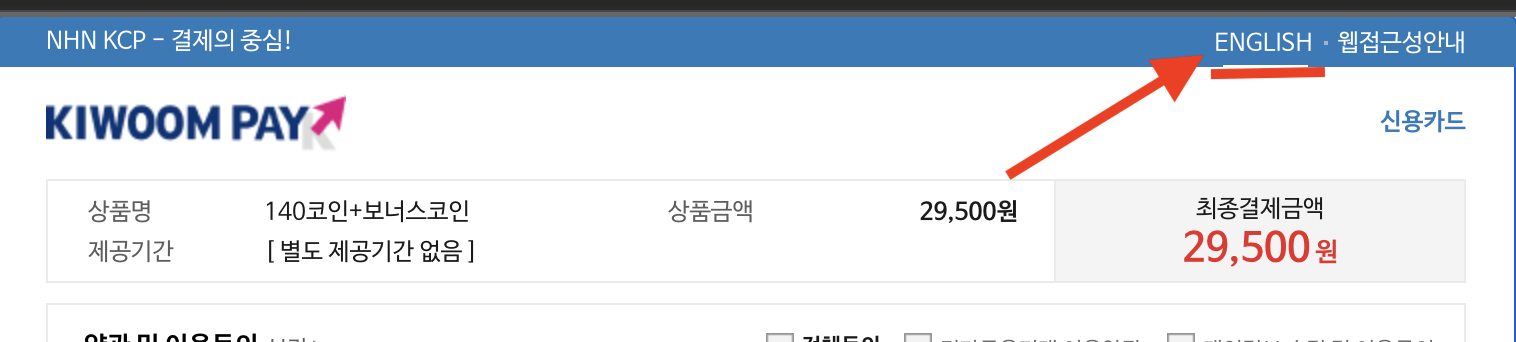
Complete the English-language form to add credits to your account. That's it!
Finding Manhwa Titles to Purchase
If you need help finding raws or translating your Bomtoon manhwa, join the OpenToon Discord server and ask our community!
Next Step: Translating your Bomtoon manhwa
If you want to read your Bomtoon manhwa in your own language but want a much better alternative to Google Translate, then give the OpenToon translator a try.
OpenToon lets you translate manhwa directly from the Bomtoon website on your iPhone or Android phone with one click, using advanced AI (like ChatGPT and Claude) to provide fast, accurate and highly readable translations.
If you want to translate Korean novels instead, use OpenNovel.